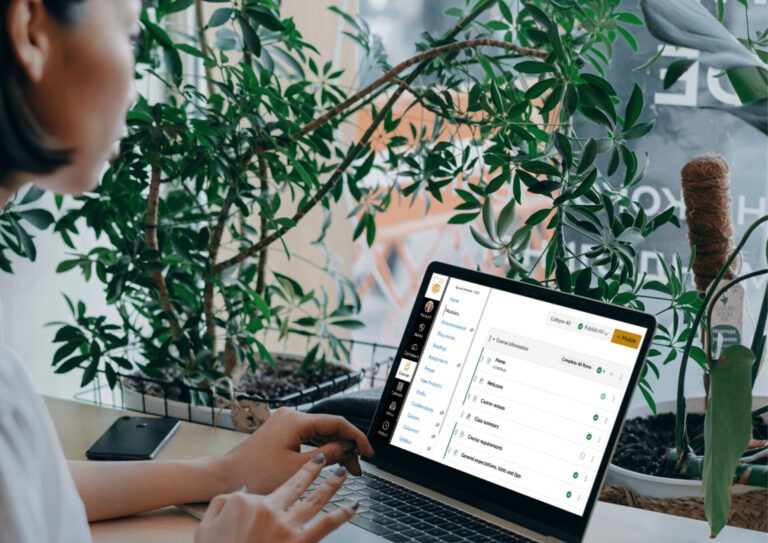
In this week’s post, we focus on getting to know your Canvas teaching site.
Good to know:
- Canvas teaching course sites are now live for Winter and S2 course convenors, and these are the sites students will be enrolled into.
- Each teaching site has the College of Science and Medicine template applied, but is otherwise blank.
- The template is editable by convenors, however we recommend sticking with the template as much as possible to create consistency across courses and programs. Find out more about the template here.
Activity: Become familiar with your live teaching site
1. Log into Canvas
Locate your live teaching site: click Dashboard or Courses to find it.
Hint: it will be the one without MIGRATED or SANDPIT in the title.
2. Take a look around
Spend 10 minutes familiarising yourself with the teaching site and explore how it is laid out and structured.
Things to note:
- The Home page has several sections containing important information for students.
- The Course information [and Communication and Support modules contain] a number of pages with important information for students. They should not contain any course specific learning content.
- The Staff resources module contains pages and links that provide staff support resources [and should not be shown to students].
- The Assessments module contains one page in the template but is designed to have all assessment tasks, with the exception of weekly tasks, plus any support resources or instructions added to it.
- The Week / Topic module contains one page in the template but is designed to be copied as many times as you need to contain all your course learning content.
Further resources:
CoSM specific:
- CoSM Canvas Transition Checklist – This comprehensive checklist has been developed by Rowena Tayler-Henry from the Science Teaching and Learning Centre (STLC), and is very useful to refer to as you start preparing your teaching site.
- Prepare your Canvas Sites – Initial Brushstrokes for CoSM – Watch the recording of this session from 28 March 2025.
ANU-wide:
Canvas Starter Pack – comprehensive ANU resources on getting started with Canvas.
As always, if you need help at any time or have any questions, please reach out to TELT: telt.smp@anu.edu.au.